 Miliflex
Open Miliflex
How to
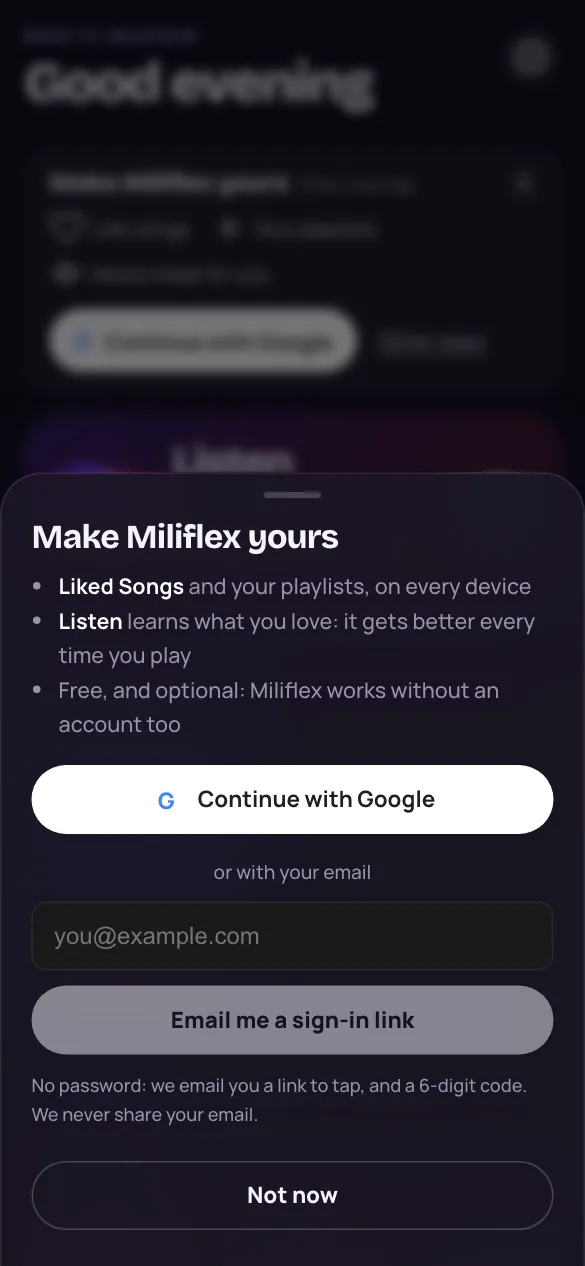
- On Home, tap Continue with Google in the card above Listen.
- Or open Settings and tap Sign in or sign up, then use your email.
- With email: tap the link we send, or type its 6-digit code.
Good to know
Is there a password?
No. Google signs you in, or we email you a link and a code.
How do I change my name?
Open Settings, change your nickname and tap Save.
Can I delete my account?
Yes. Settings → Delete account removes your account and everything recorded about you.