 Miliflex
Open Miliflex
How to
- In the player, tap ↓ under the title to download the song playing.
- On a playlist or a reciter's page, tap ↓ to download the whole list.
- While a list downloads, Saved … of … shows how many are on your phone, and the line under it the song downloading now. Tap it to see each song, how many are ready on our side, and any that couldn't be downloaded.
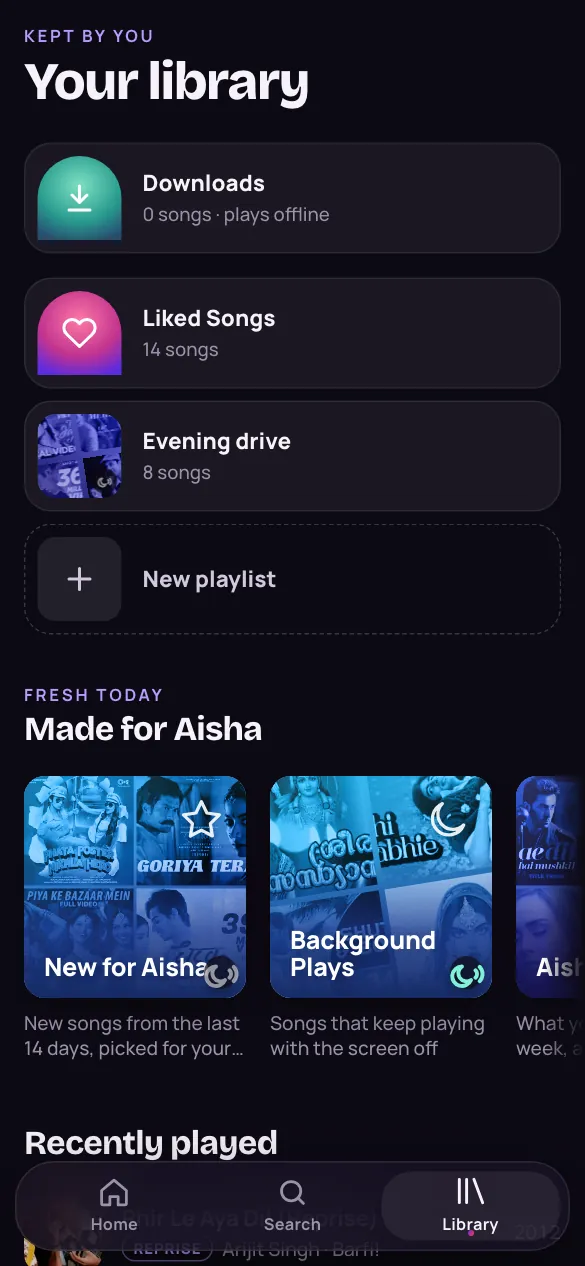
- Find them in Library: Downloads, Naat Downloads and Recitation Downloads.
Good to know
It says Getting ready on the server. Is it working?
Yes. Some songs are made ready on our side first; a long surah takes a few minutes. They download by themselves. If it says the server has paused, nothing is lost: your list carries on by itself when it is back.
Some couldn't be downloaded.
Tap Saved … of … or Downloading in Library to see why, then tap Try again.
Do I have to keep the app open?
Downloads go on while it is open. If you close it, they carry on the next time you open it.