 Miliflex
Open Miliflex
How to
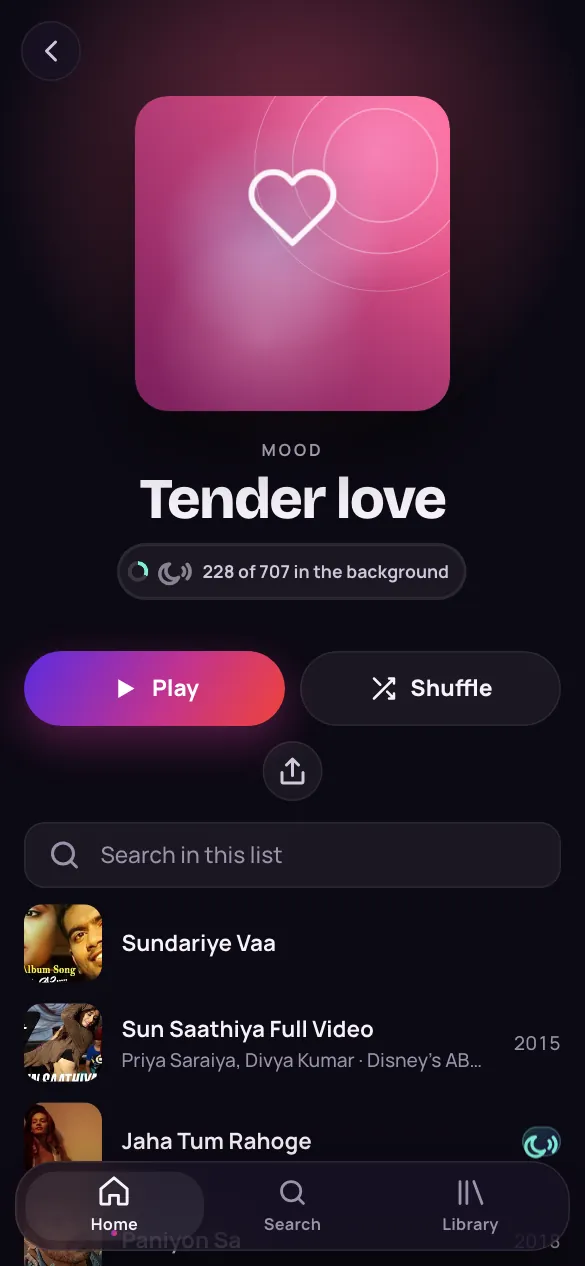
- Open Home and scroll down to Moods.
- Tap a mood, like Bittersweet love, to open its songs.
- Further down: Sung to…, Artists, Films, Languages and Decades.
- Tap the big play button to play the whole list.
Good to know
What is “Sung to…”?
Songs grouped by who they are sung to: a lover, God, a mother, friends, the nation and more.
Why is Home in a different order each time?
So you meet new artists and films: every visit shuffles them, all in your languages. Moods come in your own order, the ones you play most first.