 Miliflex
Open Miliflex
How to
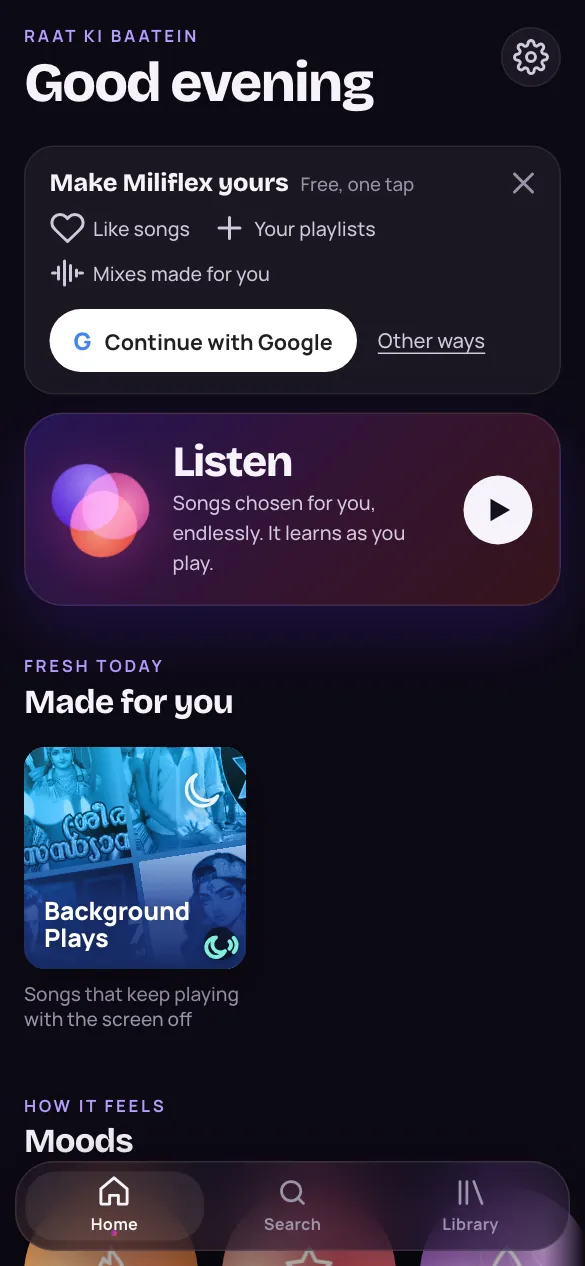
- Open Home and tap Listen.
- Skip a song you don't want right now: tap the next button.
- Tap ♥ on the songs you love.
- Sign up to keep what you like on every device.
Good to know
Is it free?
Yes. Miliflex is free, with or without an account.
Do I need an account?
No. Listen works straight away. With an account, your likes and playlists stay with you on your phone and your computer.
Why does it play songs I've never heard?
A few songs in every eight are new to you, often by singers you haven't heard yet, chosen because they sound like the songs you love. Under the song, “Sounds like…” names which one. Enjoy them and you get more; skip them and you get fewer.