 Miliflex
Open Miliflex
How to
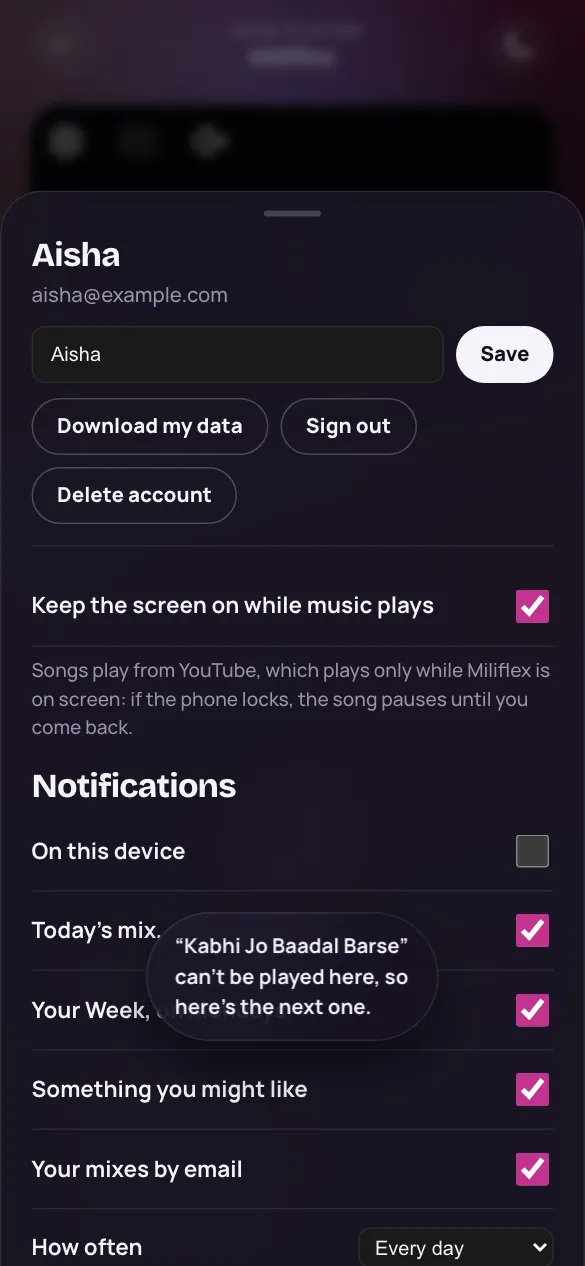
- On Home, tap the settings button at the top right.
- Under Languages you understand, tick the ones you understand, then tap Done. Listen, your mixes and every list on Home keep to them, on every device you sign in on, and bring each one about as often as you play it. Hindi/Urdu, English and Punjabi are ticked until you choose.
- Under Notifications, choose what we may tell you about, or pause them for a week.
Good to know
Can I still play a song in another language?
Yes: search finds every song, and an artist's or a film's page has all of their songs.
Will I get many notifications?
One a day at most: in the evening, a mix made for you, and Your Week on Mondays. You choose how often (Every day, A few a week, or Only Your Week) and which kinds, and they stay quiet during your quiet hours.
Why do I get emails about my mixes?
When you're signed in and notifications aren't on, a mix made for you comes by email once a week, beside Your Week. Turn the emails off in Settings, or with the link at the bottom of any of them.