 Miliflex
Open Miliflex
How to
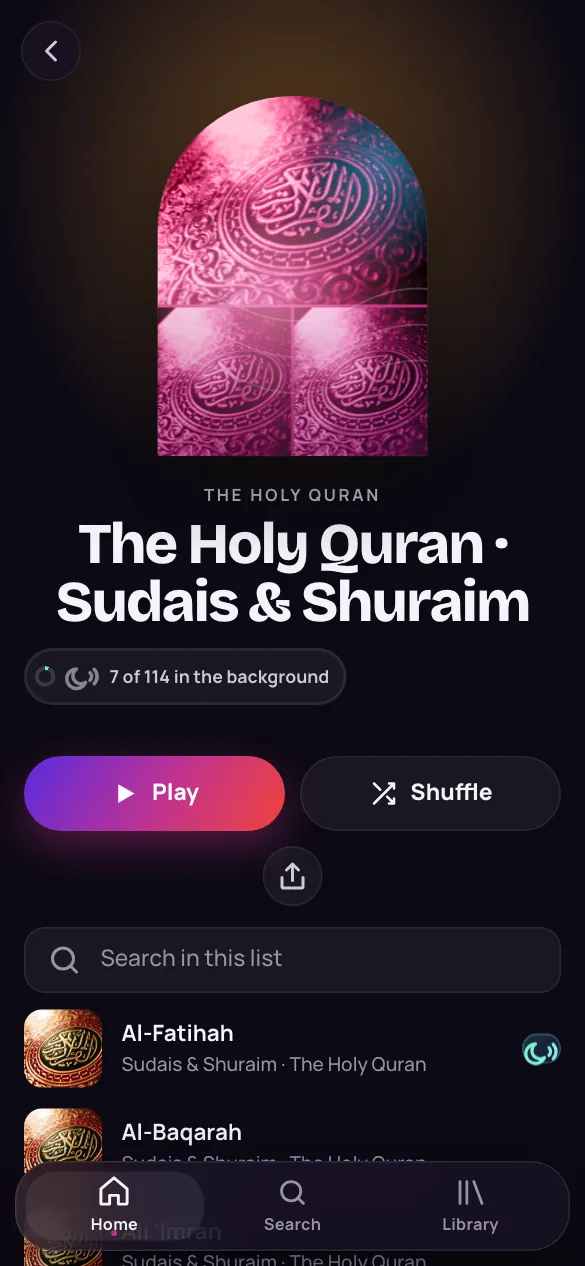
- Look for the moon beside a song, a surah or a Naat: it plays with the screen off.
- On a list, a coloured moon means every song in it does; a grey moon shows how many do.
- A ✓ means it's downloaded on this device; a thin arrow means you can download it.
- In the player, under the title, it says Plays in the background or Plays while on screen.
Good to know
Why do some songs have no moon?
They play from their video, which plays only while it is on screen. Where your account has it, the player says Getting it ready for the background, and the song carries on with the screen off a moment later.
A playlist I downloaded changed. What now?
Its page shows Update, with how many songs are new or removed. Nothing downloads until you tap it.